
Music School Software for UK Lessons, Registers & Direct Debit
The scheduling and management platform that orchestrates your music school, from one-to-one lessons to concert night
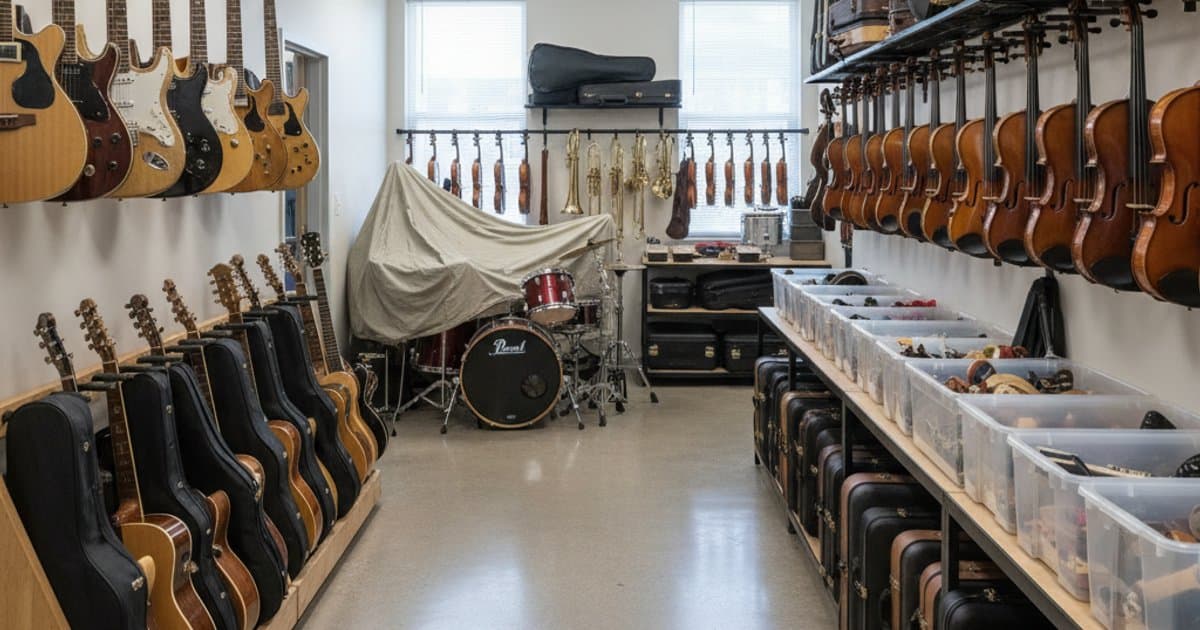
Schedule one-to-one lessons and group classes, track grade progression through ABRSM or Trinity pathways, manage instrument hire, and coordinate ensemble rehearsals and recitals.
Pure revenue share — you only pay when parents pay.
Data migration and setup handled by our team.
Created by people who lived the admin problem.
Stripe PCI DSS, TLS 1.3, tenant-isolated data.
A live operating layer for every music workflow.
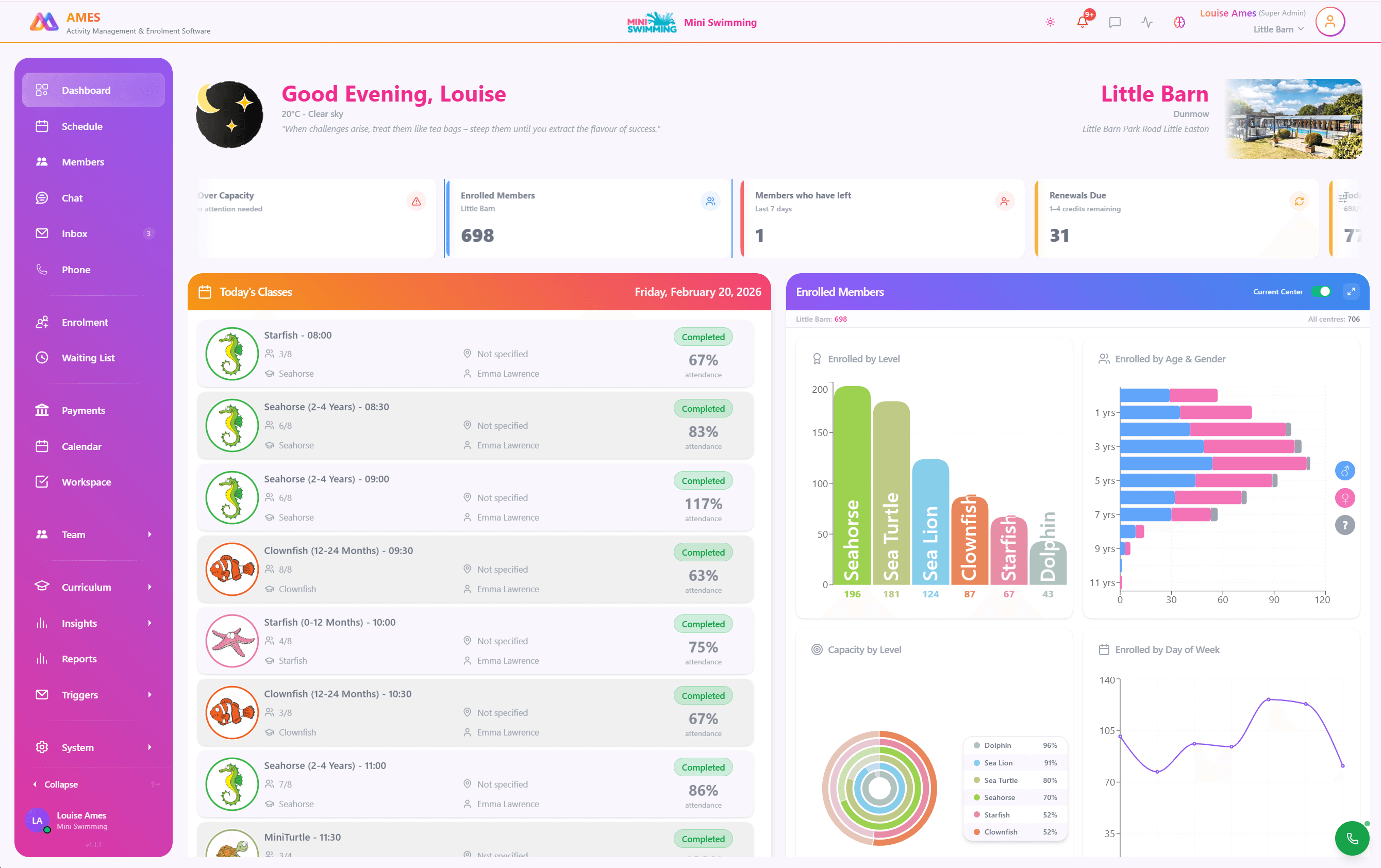
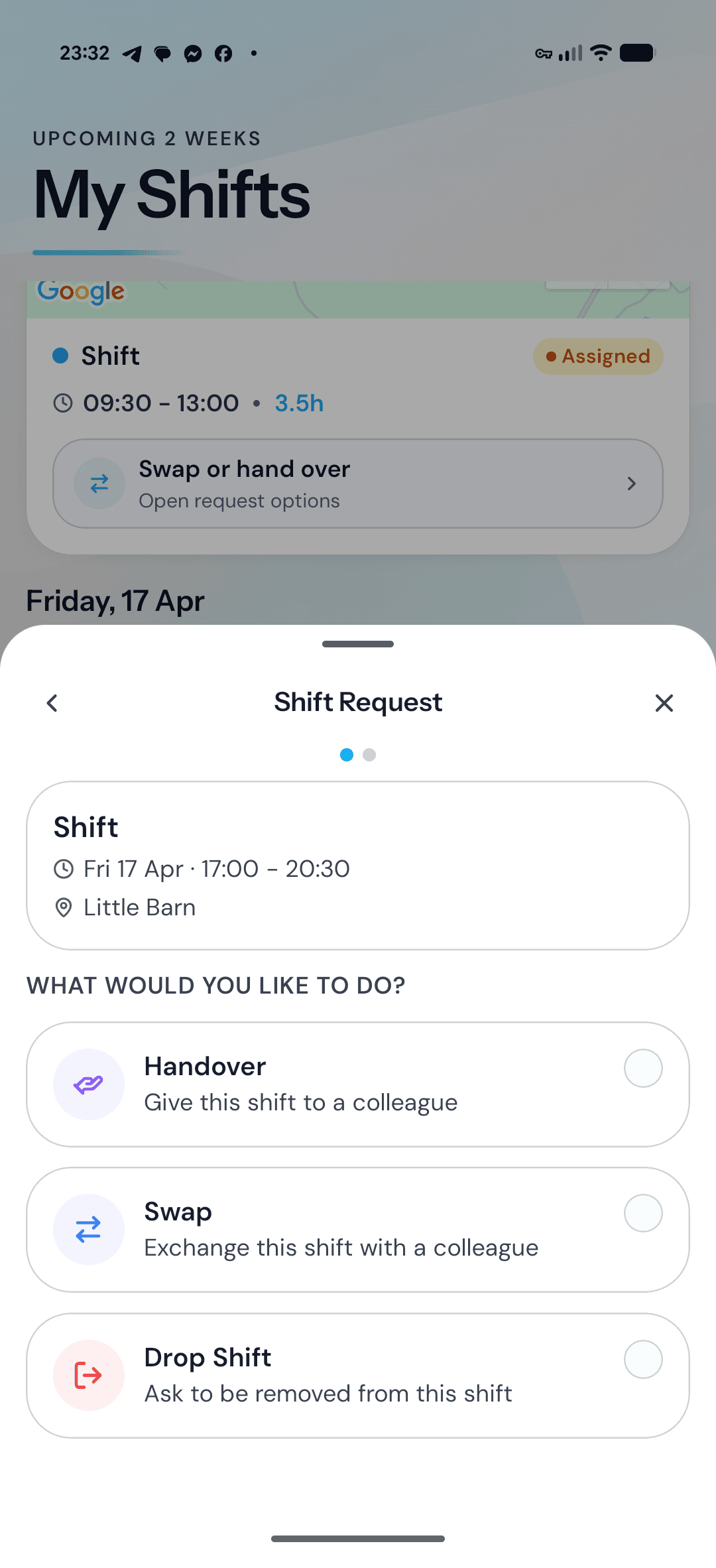
AMES connects the moments that usually sit in separate tools: enquiries, class availability, payments, registers, team handover, and parent communication.
30%
Reduction in scheduling conflicts
8hrs
Saved weekly on administration
95%
Parent satisfaction rate
AMES control room
Today's operating flow
Workflow automation
4 systems connected
Bookings
Waitlist place converted
Payments
Fee captured automatically
Team
Register ready for the session
Families
Update sent to the parent portal
What improves first
Music Lesson Booking & Scheduling Software
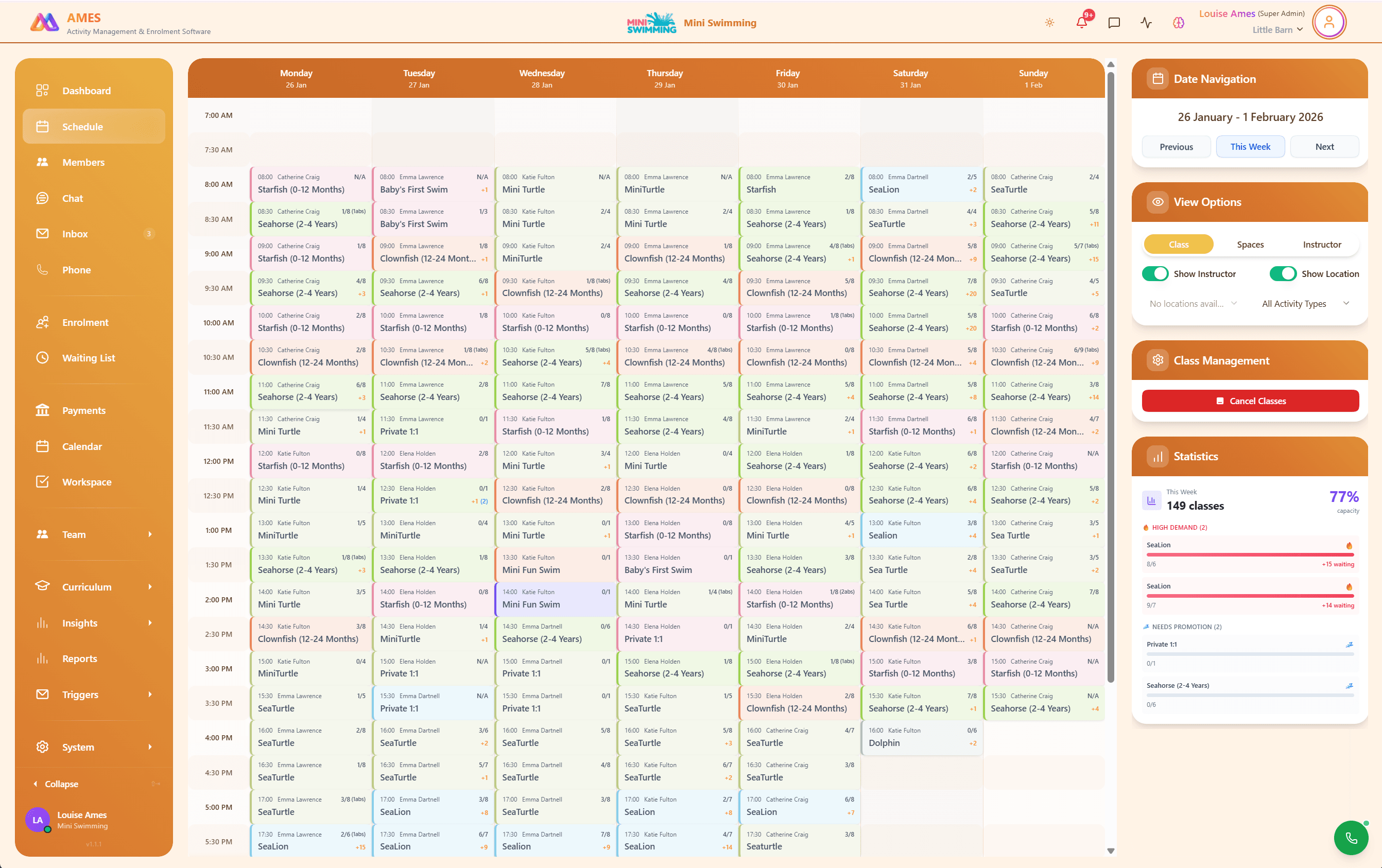
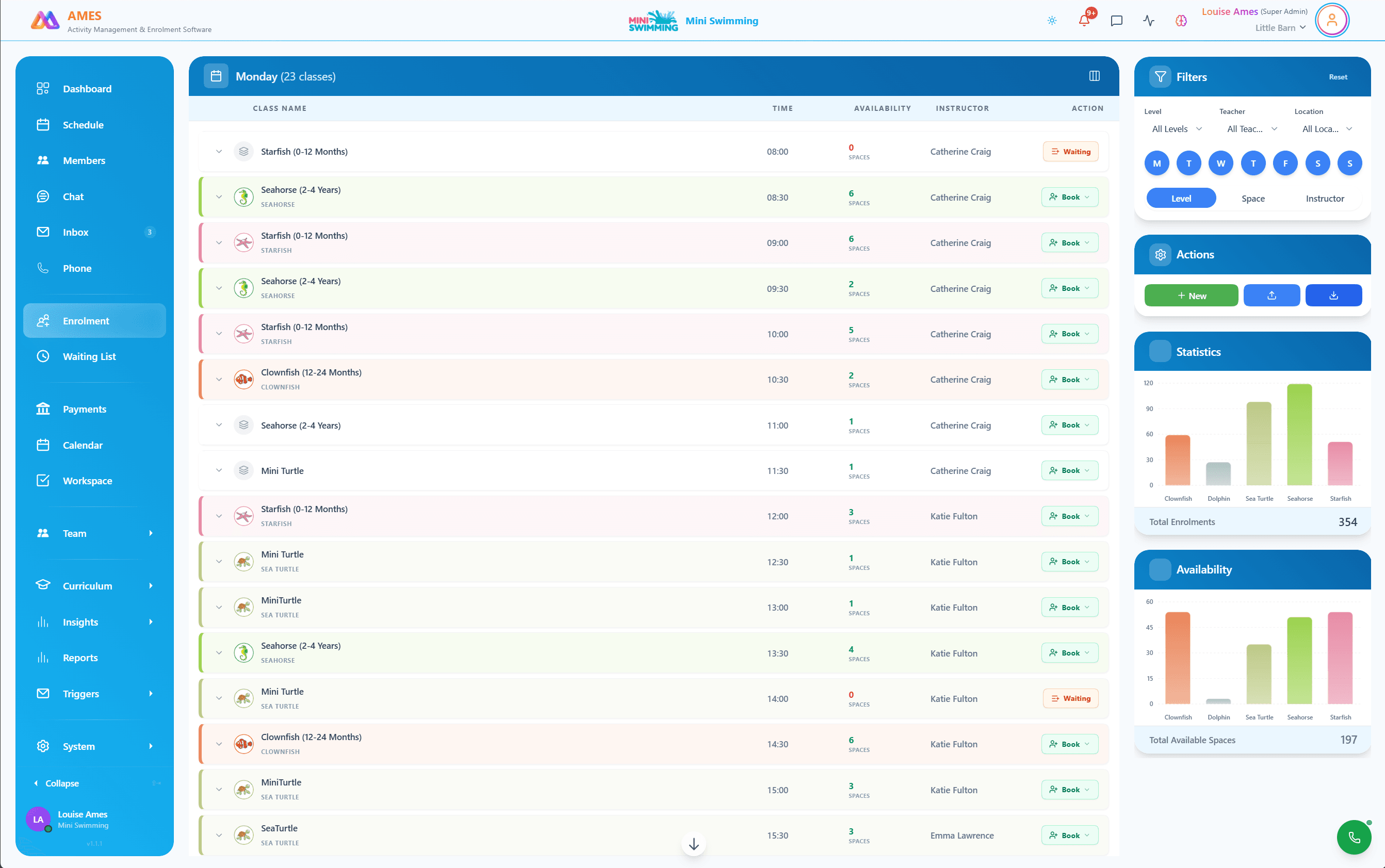
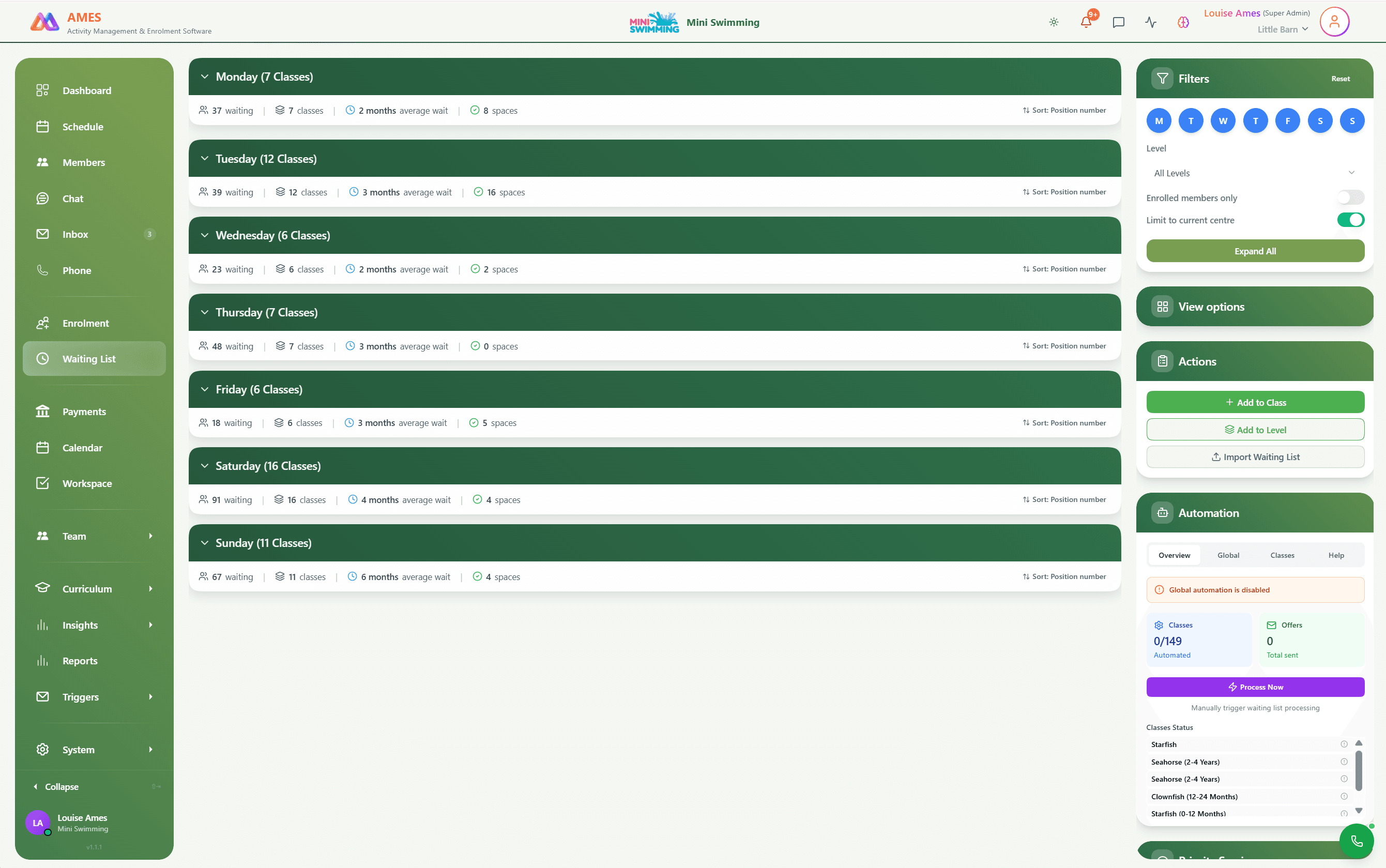
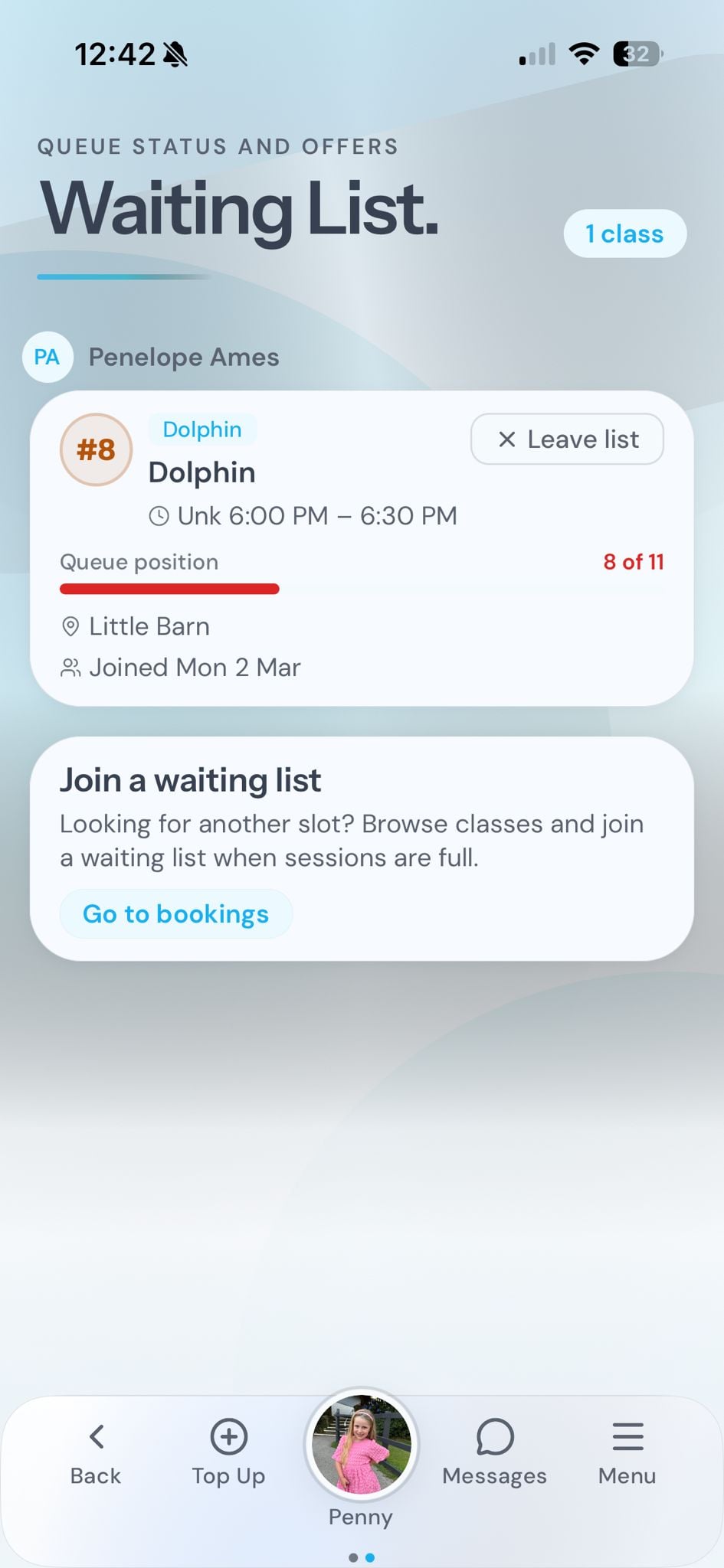
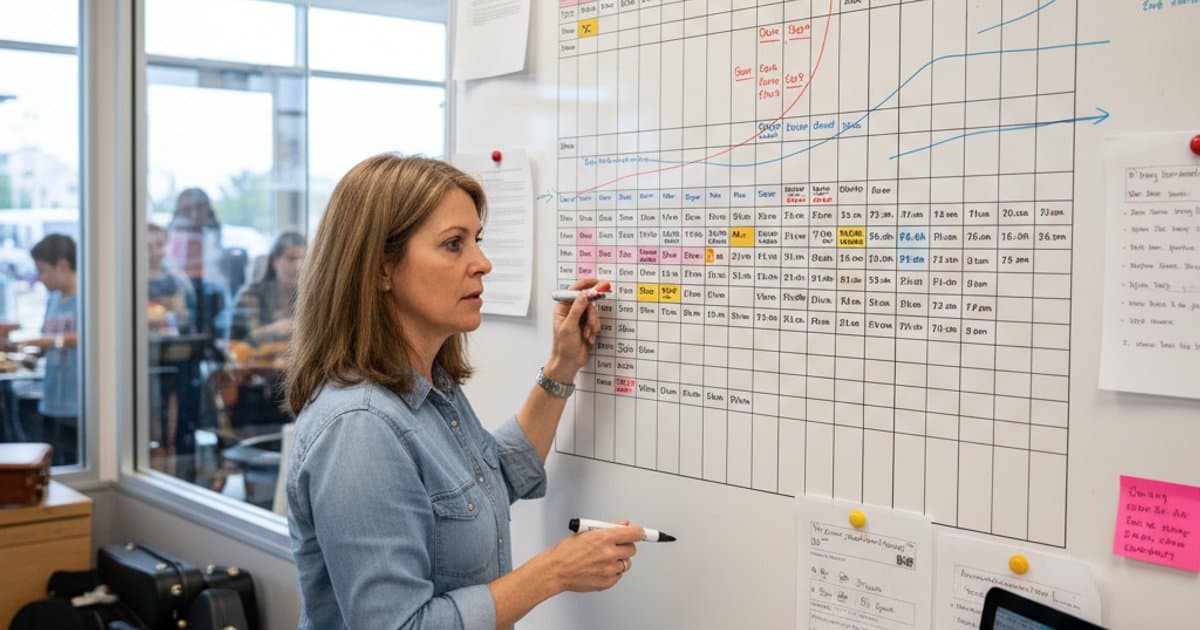
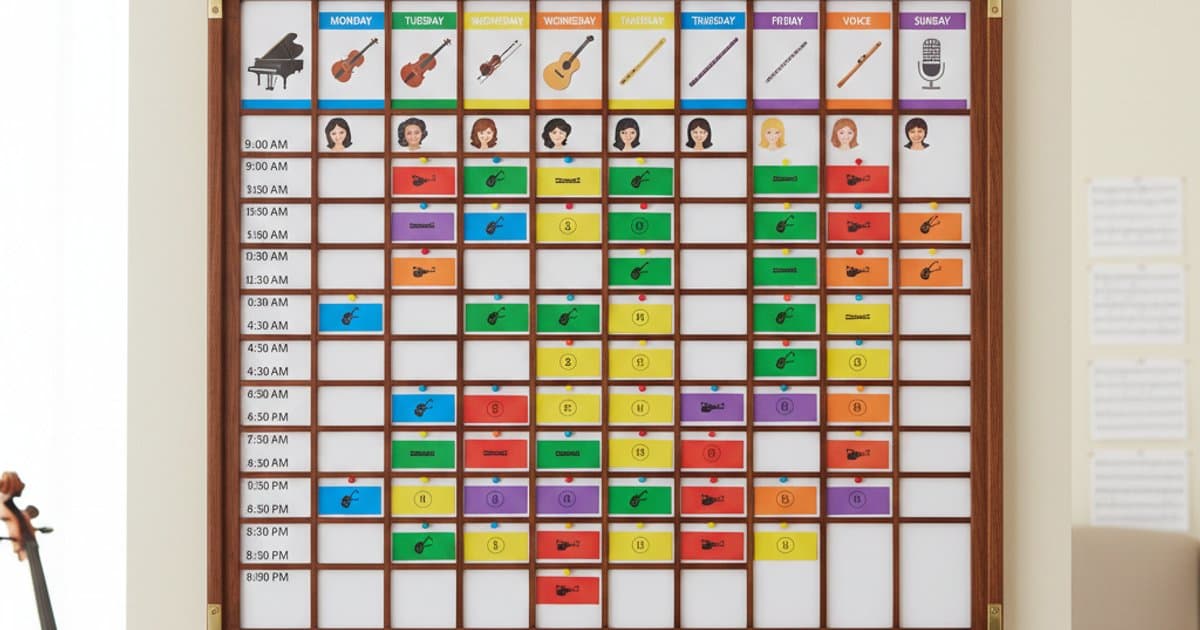
01Build timetables that accommodate one-to-one, paired, and group lessons in a single view. Peripatetic teachers set their availability across each school site, and the scheduler fills slots by matching instrument, level, and preferred lesson length. When a cancellation opens a gap, the system automatically offers it to students on the waiting list, keeping your rooms and teachers productive throughout the day. Parents receive instant confirmation, and teachers see updated schedules on their phone before they arrive at each site.
Music Student Progress & Grade Tracking
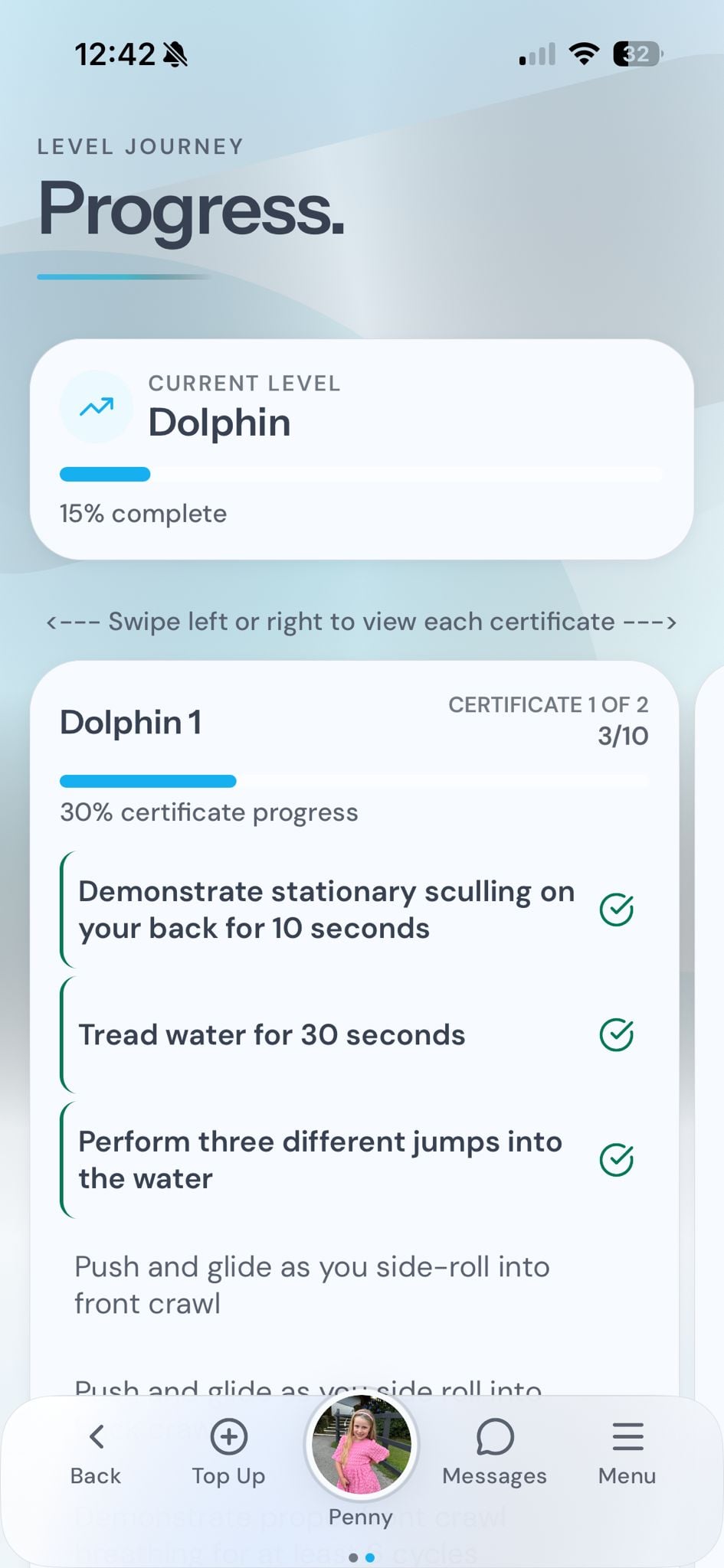
02Follow every student's journey from first lesson to diploma across ABRSM, Trinity, or internal milestones. Log theory progress alongside practical grades, maintain a repertoire history for each student, and record sight-reading assessments and aural training results in one timeline. Teachers see at a glance which prerequisites are met before exam entry, and progress reports are generated automatically for parents and school leadership without copying data between systems.
Direct Debit & Automated Payments
03Collect fees on a schedule that matches how music schools actually bill. Lesson credit systems let families pre-purchase blocks, while pro-rata invoicing handles students who join mid-term without manual calculation. Holiday credit freezes pause billing automatically based on each family's agreed term pattern, and instrument hire charges are rolled into the same invoice. Direct debit, card payments, and ad-hoc top-ups all feed into a single ledger so reconciliation takes minutes rather than hours.
Replaces manual work
One-to-one scheduling complexity

Your command centre
Classes, payments, marketing campaigns, staff payroll, task management, and reporting. A complete business hub, not just a booking tool.
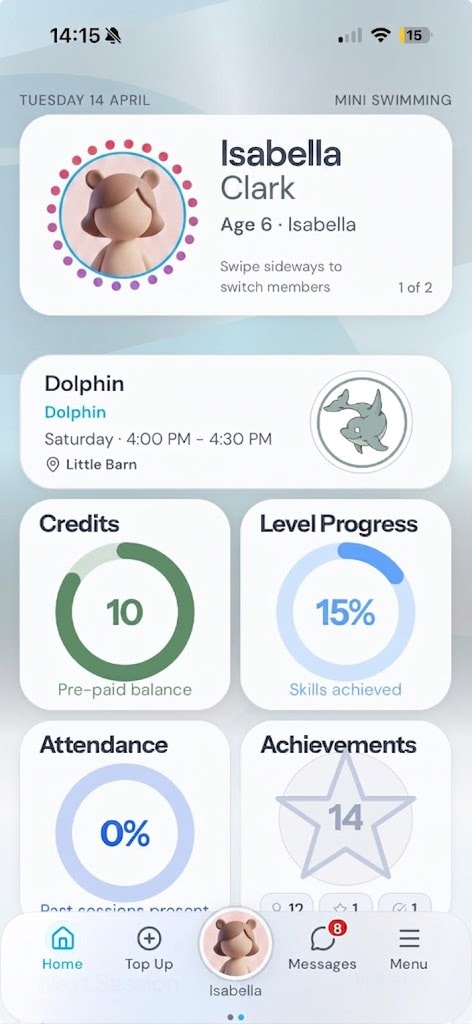
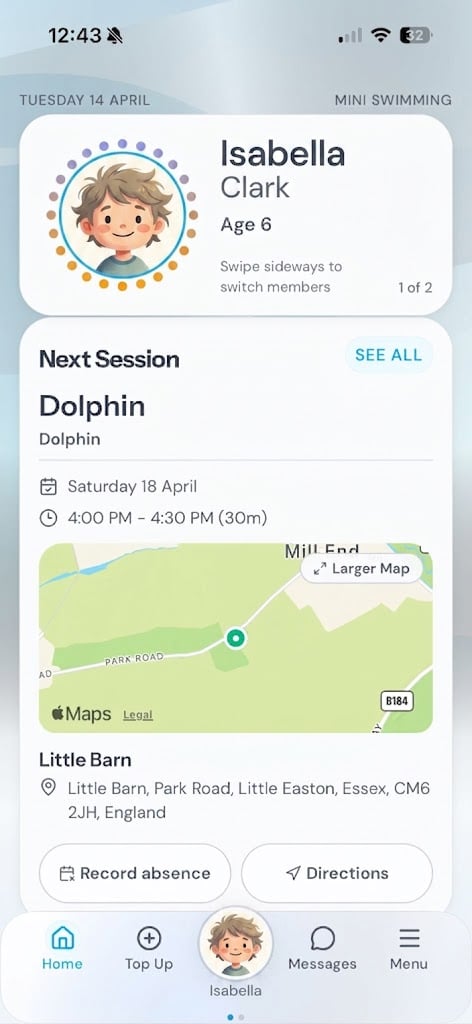
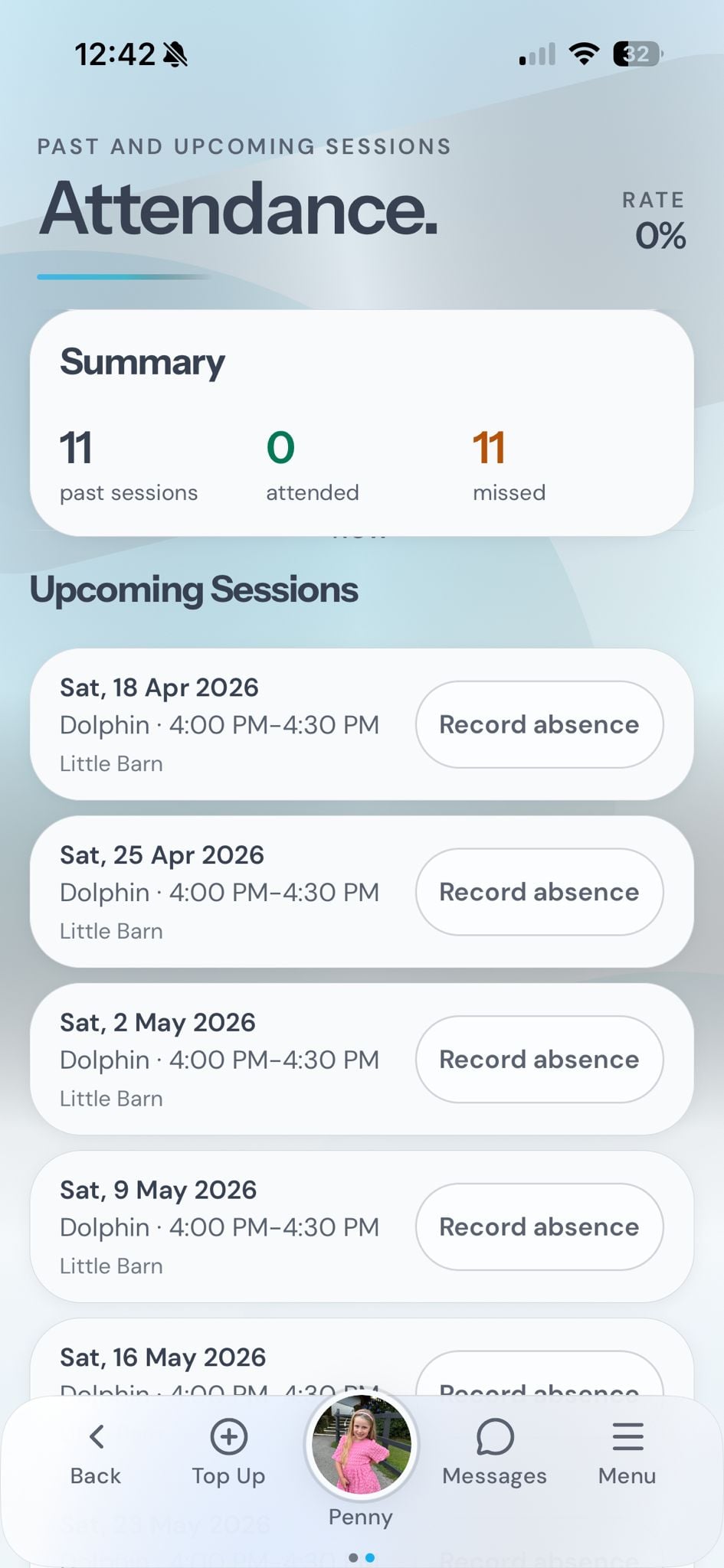
Parents manage everything
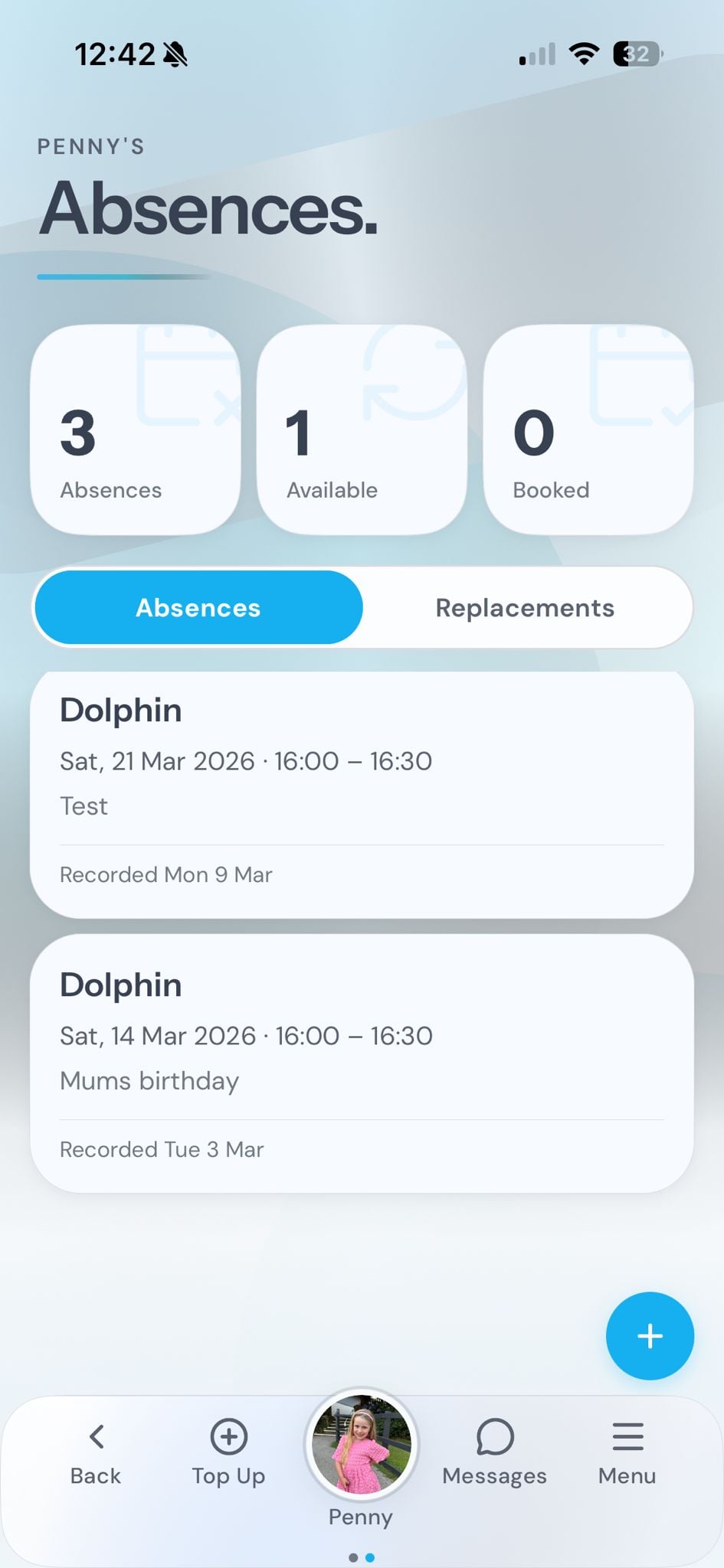
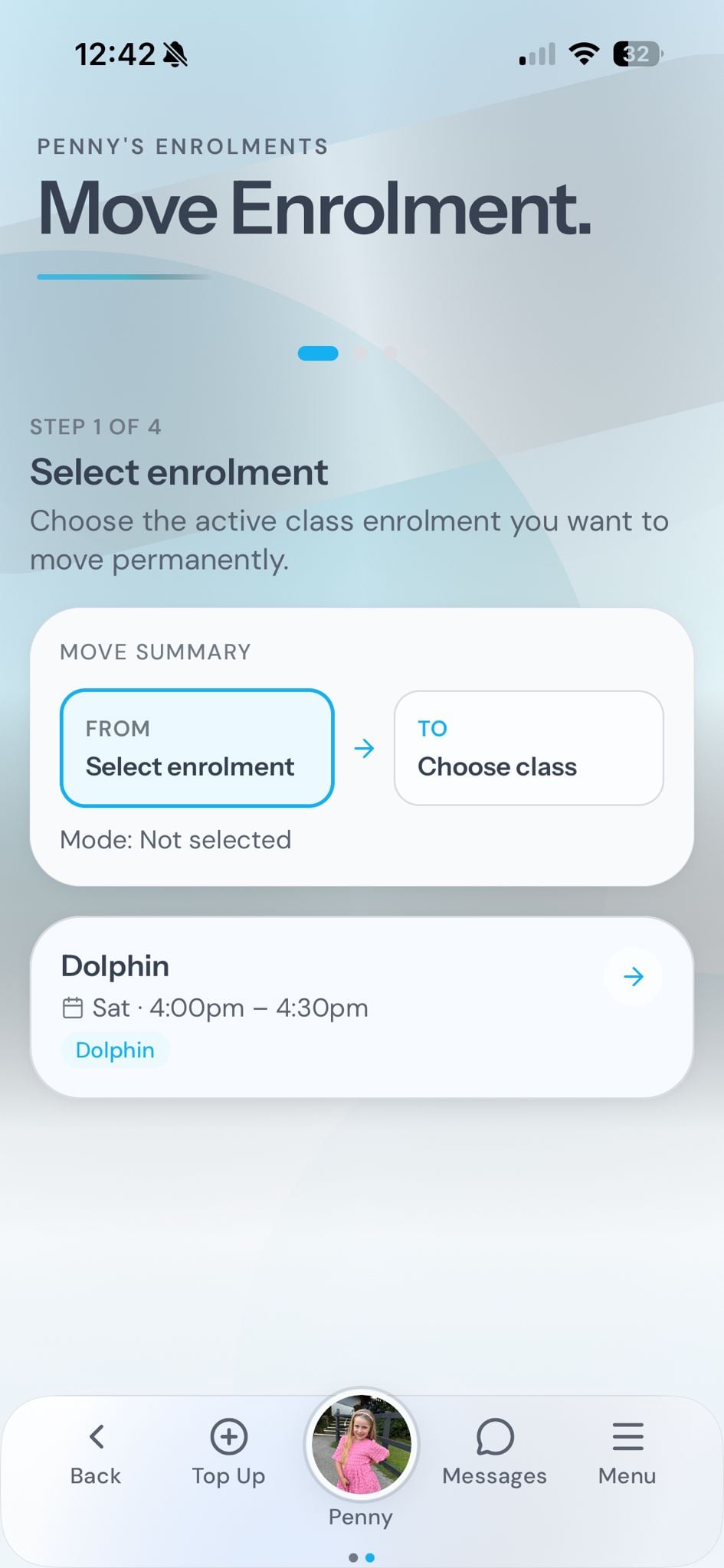
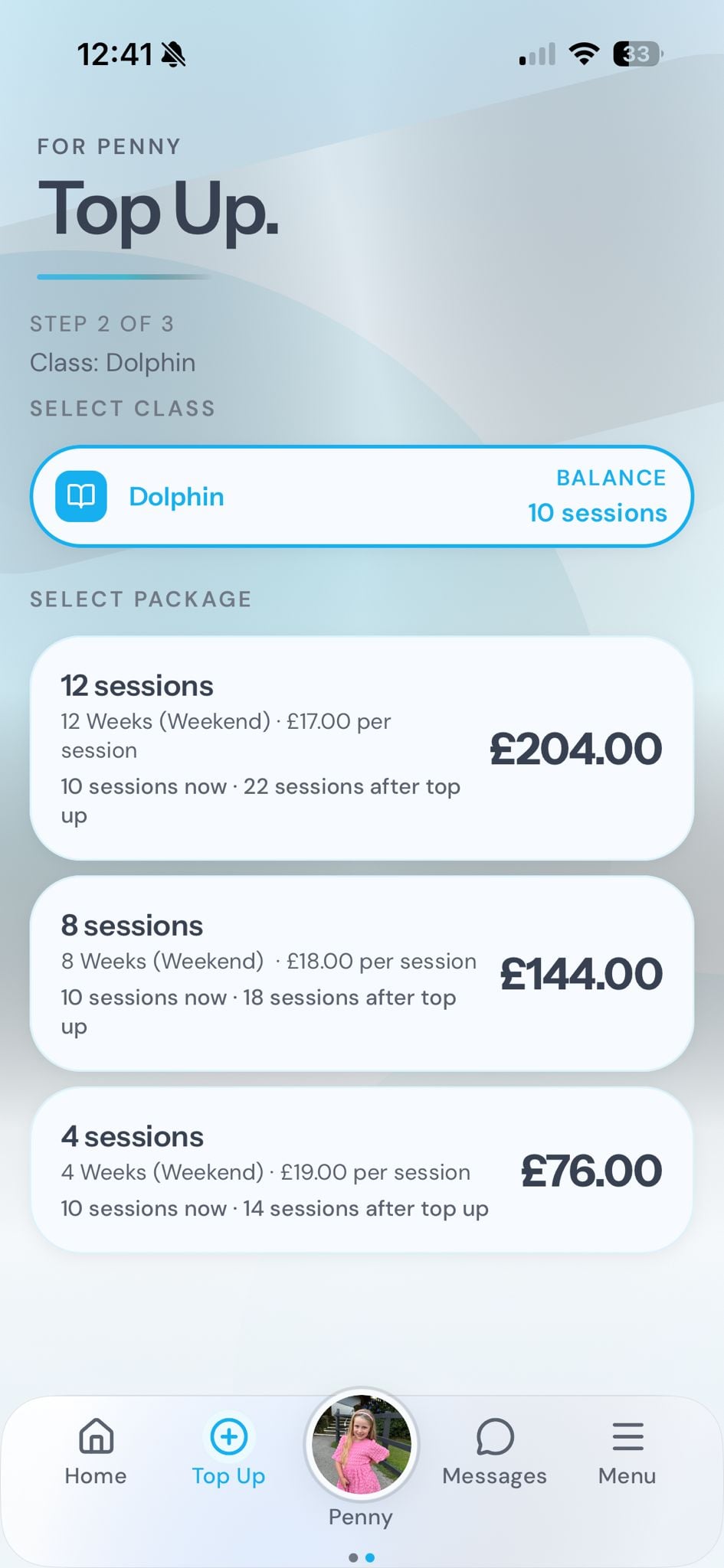
A dedicated portal where parents book classes, report absences, manage payments, track progress, shop, and message teachers. All from their phone.
Your branded booking page
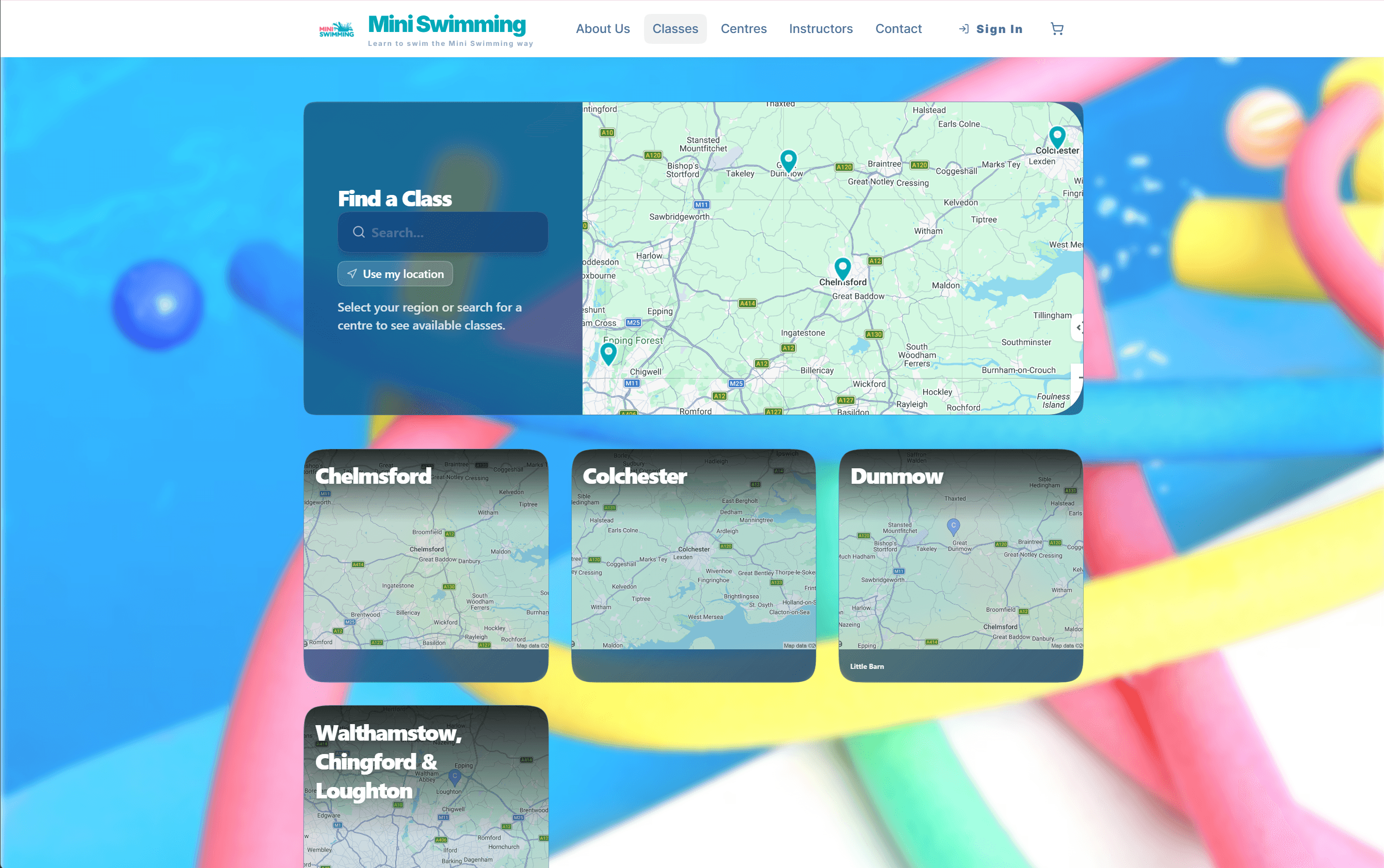
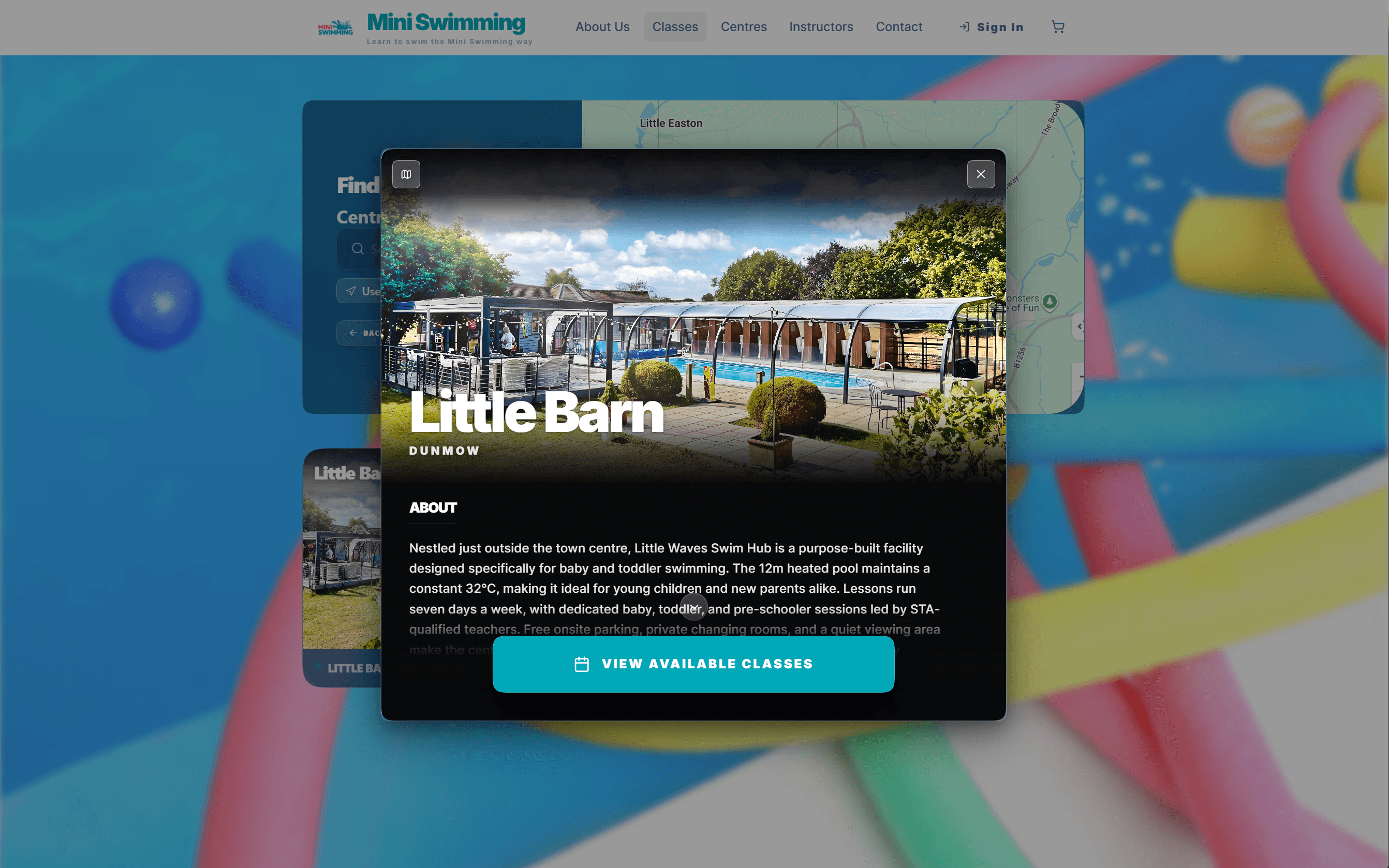
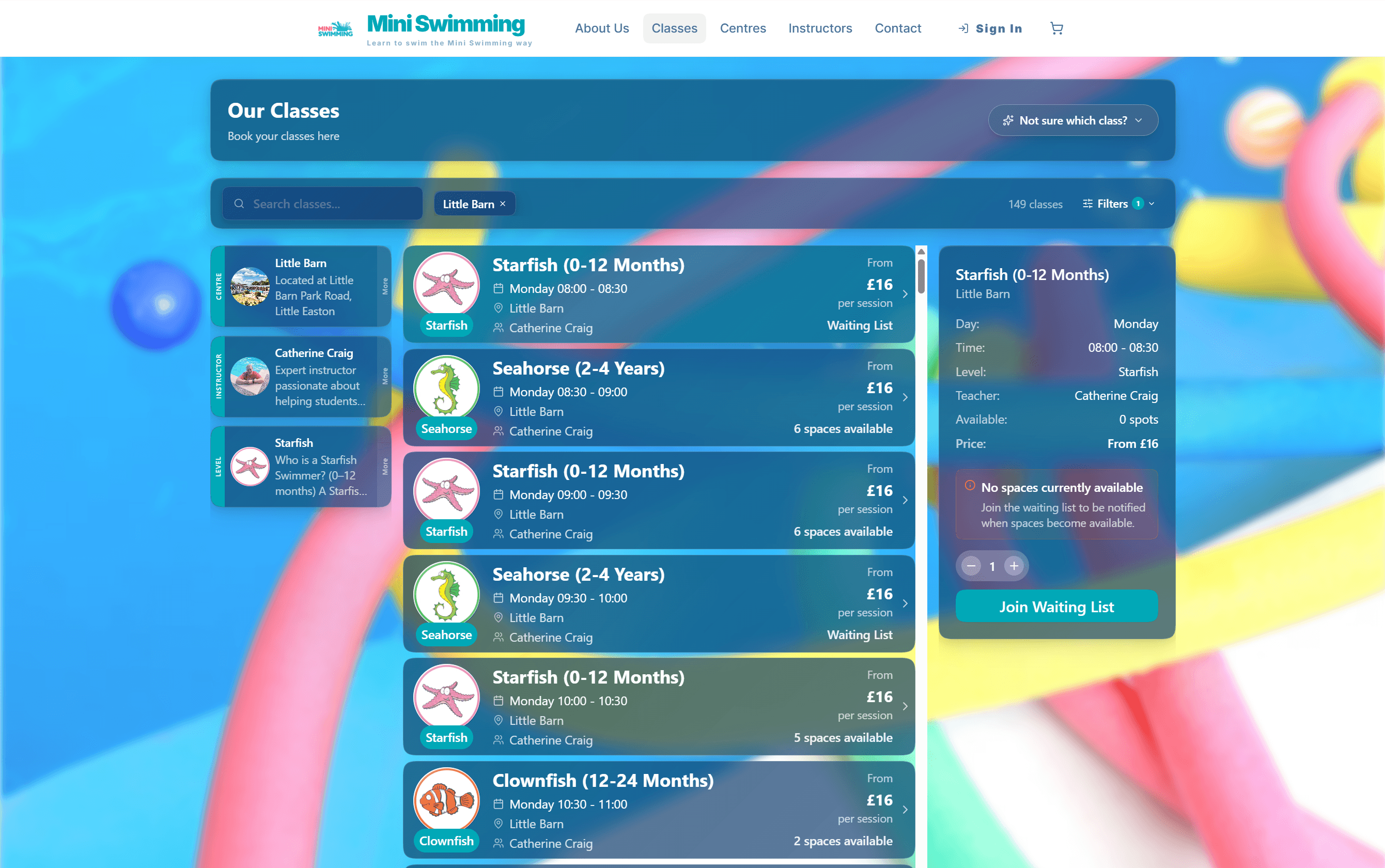
A fully customisable online booking experience that replaces your website. Parents browse classes, book drop-ins, join waitlists, and pay — all in one place.
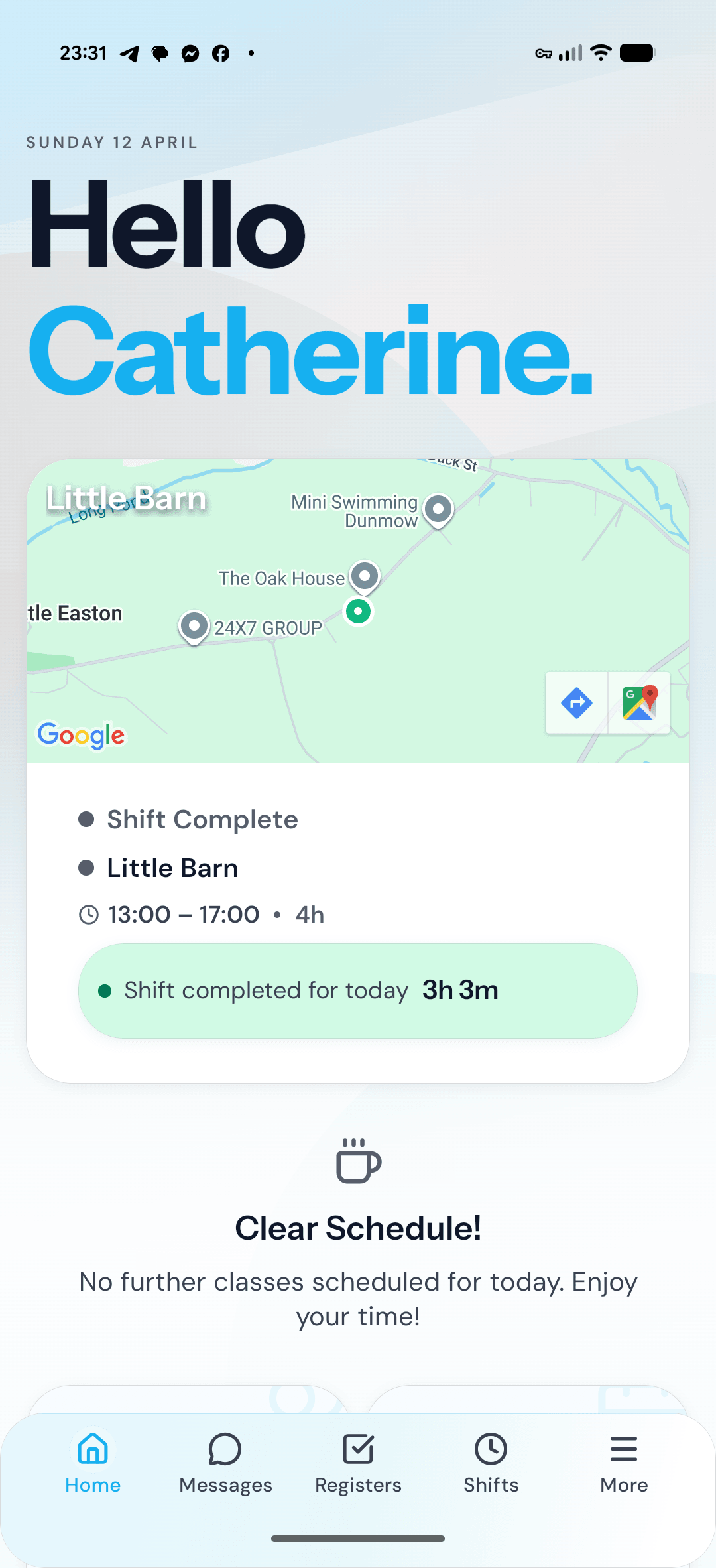
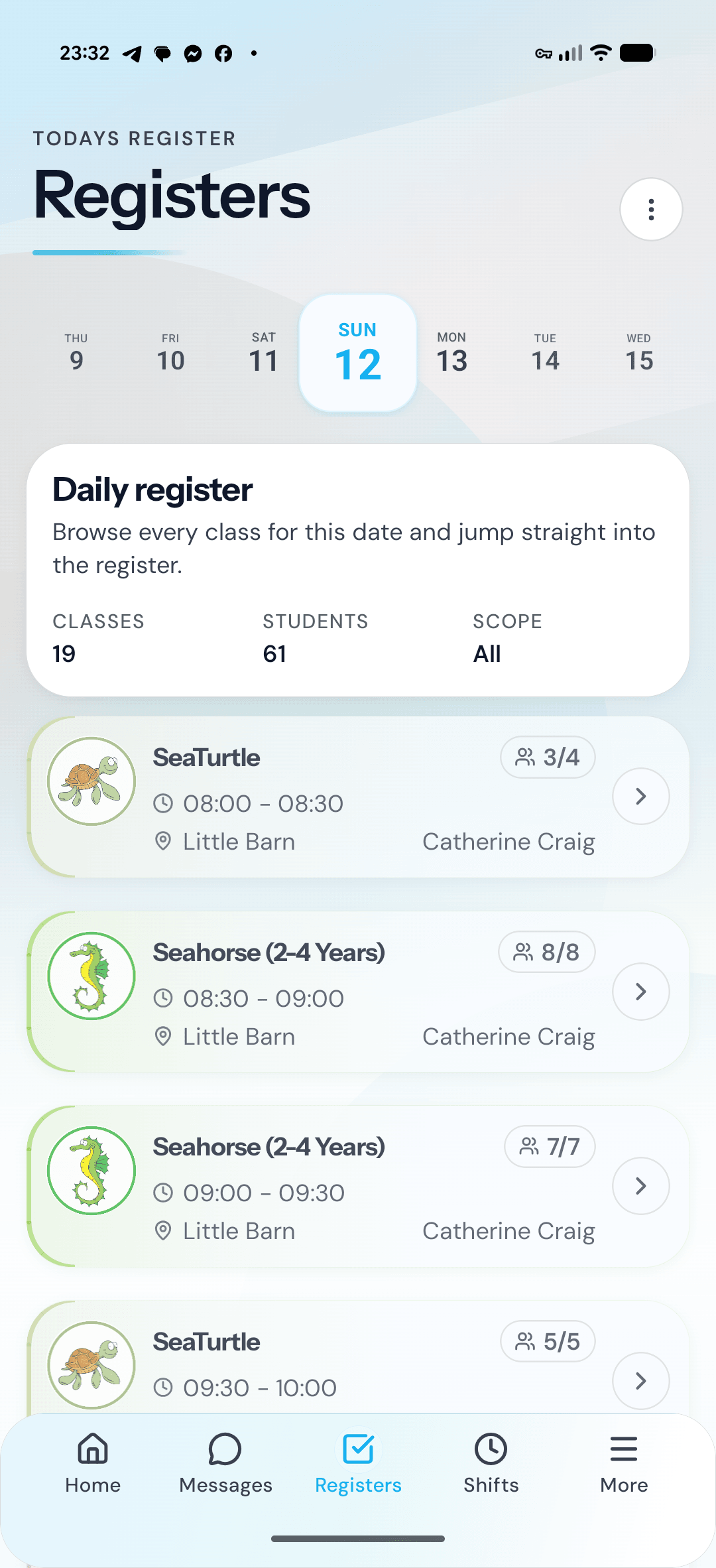
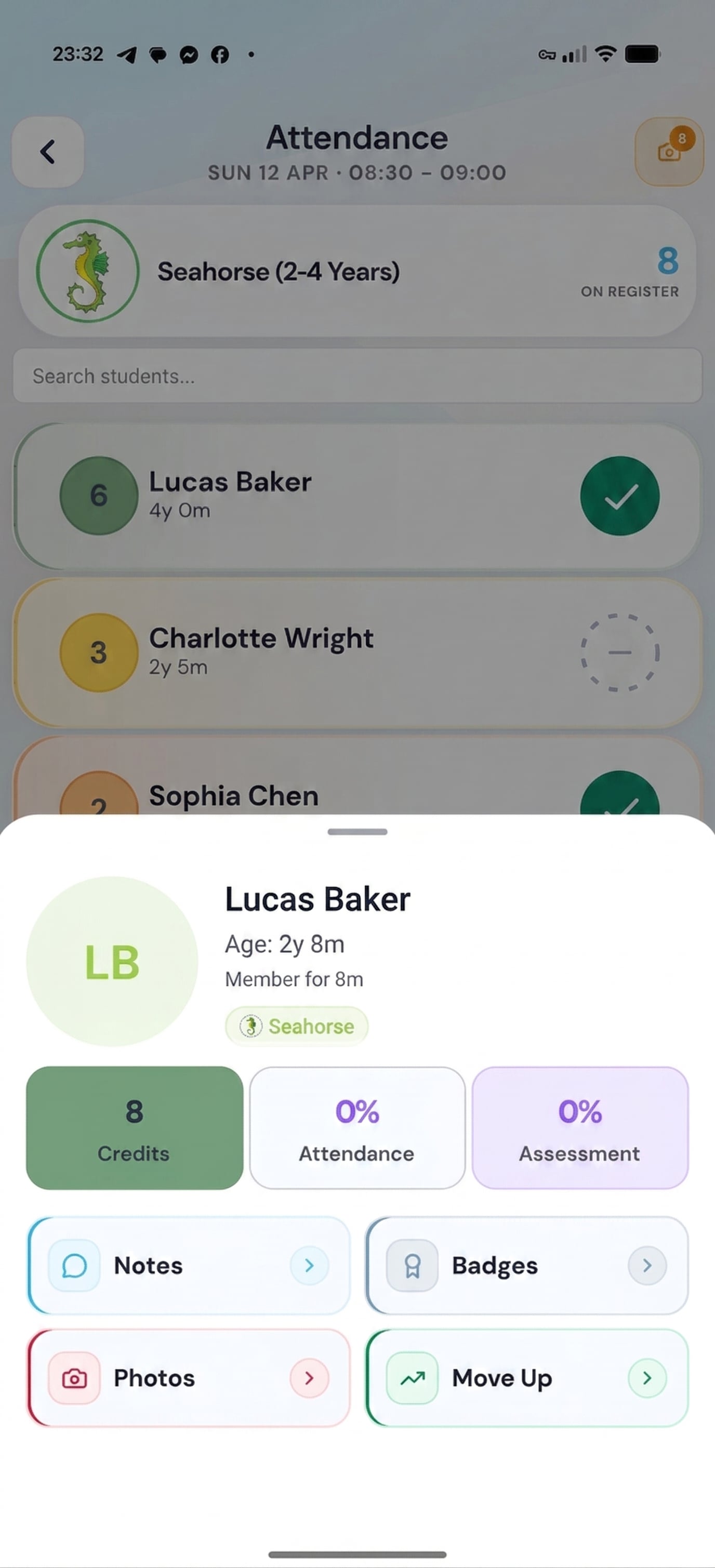
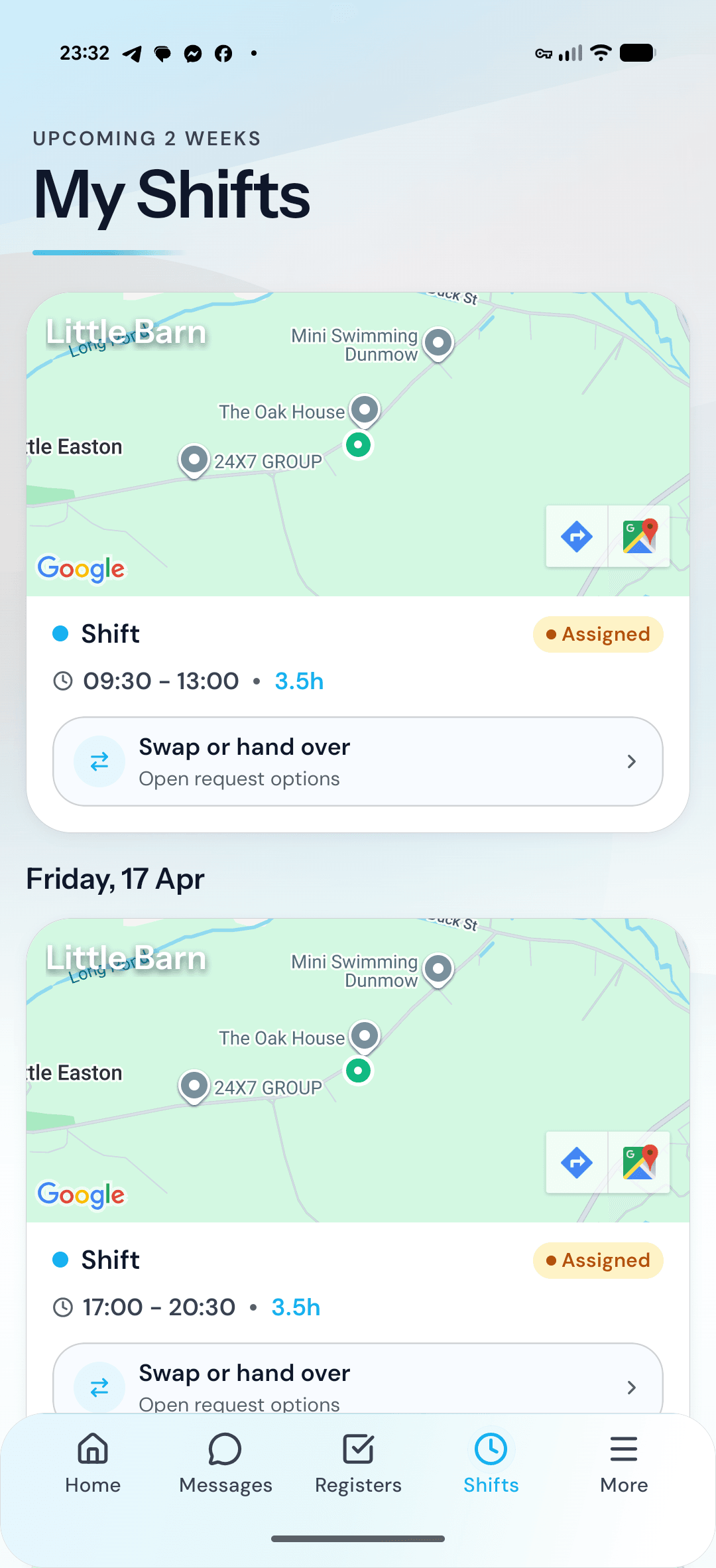
30%
Reduction in scheduling conflicts
8hrs
Saved weekly on administration
95%
Parent satisfaction rate
Typical Class Size
1-6
students per session
Typical Pricing (UK)
£15-£35 per lesson
Age Groups Served
5
distinct categories
Qualifications
4+
recognised pathways
United Kingdom
Associated Board of the Royal Schools of Music (ABRSM)
United States
National Association for Music Education (NAfME)
Australia
Australian Music Association
What you pay today vs what AMES charges.
Most platforms charge a subscription, then leave you paying for booking software, team messaging, marketing, rota, inbox, notes, mobile access, and AI tools on top. AMES includes those platform modules in one low fee on payments collected through AMES.
The old model
Monthly software bills
Separate subscriptions rise as members, staff, contacts, admin seats, and marketing channels grow.
The AMES model
Platform included
Bookings, messaging, marketing, rostering, inboxes, notes, apps, and inclusive AI sit inside one AMES platform fee.
Usage is separate
Wallet-based services
SMS, phone/VoIP, and extended AI are metered services. They are available in AMES, but not counted as subscription savings.
Try your numbers
Adjust the 2 numbers most operators know. The calculator estimates monthly revenue from 4 sessions per member per month, then compares a typical standalone platform stack with the AMES platform fee. Metered SMS, phone, and extended AI usage are not included in either side of the saving.
What you would usually pay
£458/mo
The estimated monthly cost of equivalent standalone platform software at your scale.
What AMES would charge
£209/mo
Based on your active member count, AMES would charge 1.09% of payment volume collected through AMES, before any metered wallet usage.
Not counted as savings
Some services are available, but usage-based.
Bookings, registers, waitlists, makeups, payments, and parent self-service
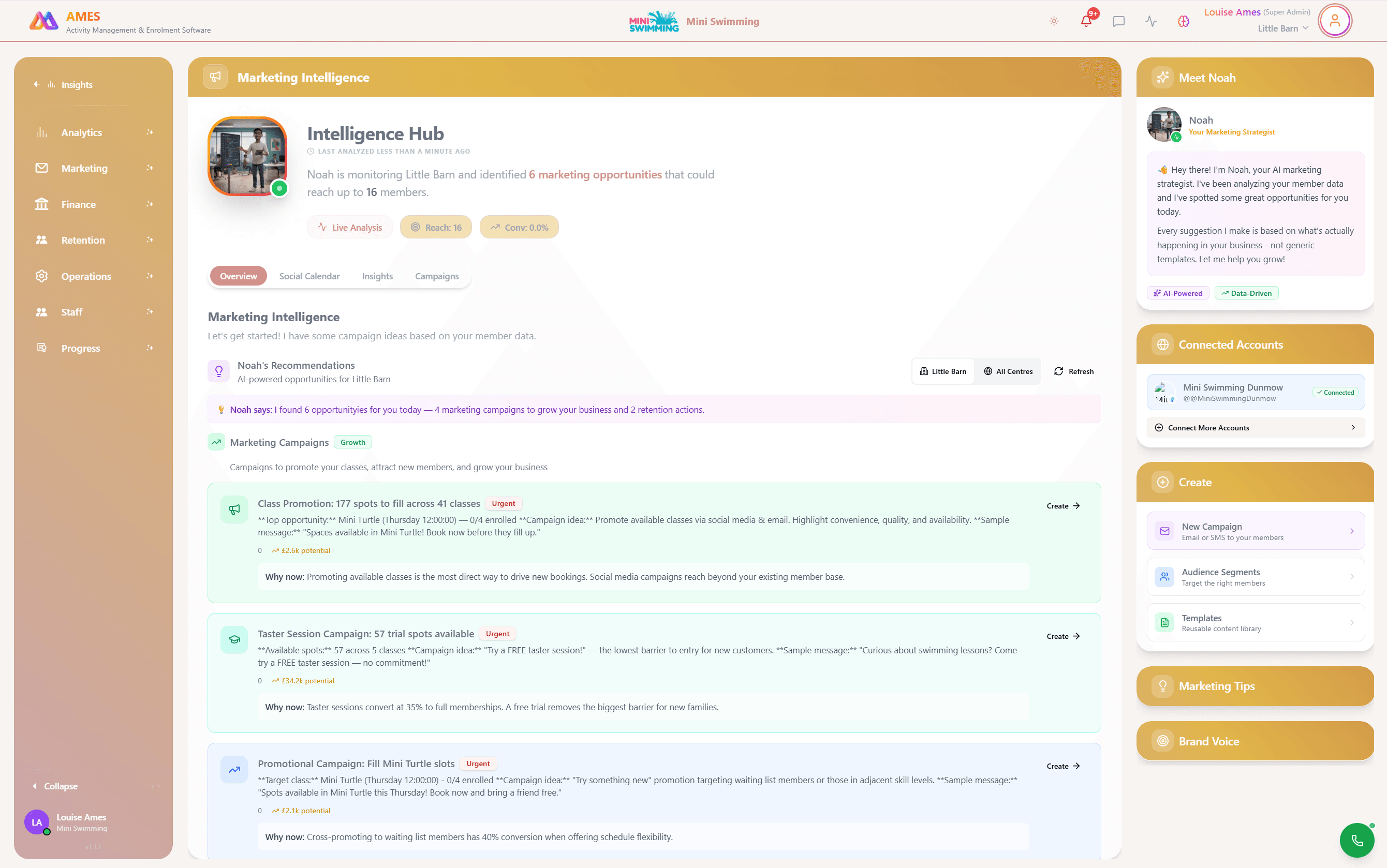
Campaigns, segments, templates, and performance reporting
Offers, journeys, follow-ups, reactivation, and campaign workflows
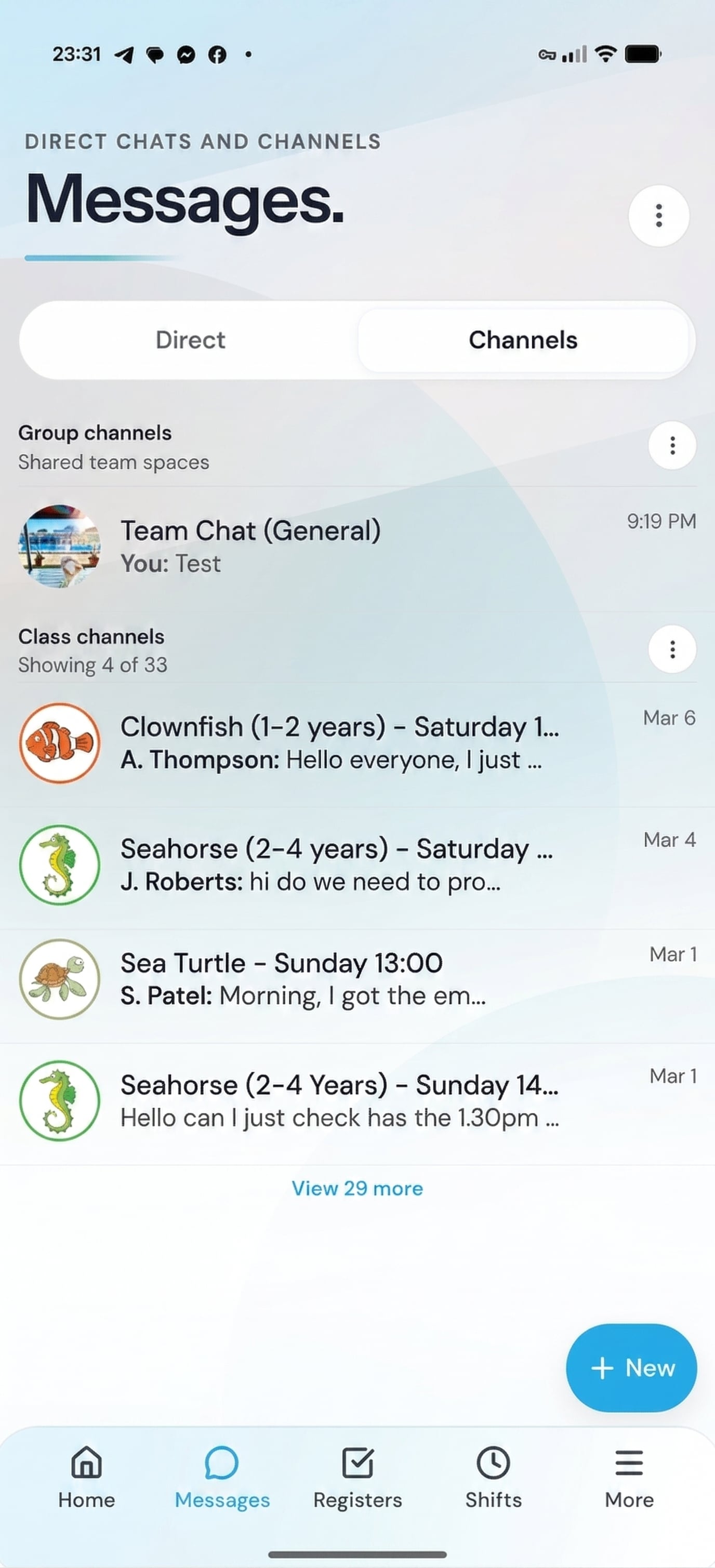
Team updates, operational channels, staff coordination, and announcements
Staff rota, availability, time clocking, timesheets, and payroll prep
Operational assistants, content review, quality checks, and admin support
Multi-channel scheduling, content planning, monitoring, and engagement
Parent enquiries, team ownership, response tracking, and handovers
Session notes, policies, calendars, tasks, SOPs, and team knowledge
Parent, staff, and admin access without buying separate mobile products
Metered SMS, phone, and extended AI usage are excluded
No AMES subscription and no per-seat fee for the included platform modules. Usage services are handled separately through allowances and wallet top-ups.
Your rate improves as you grow
AMES lowers the platform fee as your active member base grows. Crossing a threshold does not create a pricing cliff; growth steadily brings your overall rate down.
At your current size, AMES would charge 1.09%. New members in the Growth band are priced at 1%, so growth lowers your platform cost instead of triggering a jump.
Monthly delta vs standalone stack
£249 saved / month
£2,988 annualised · plus the time you stop losing to tool-juggling
Standalone costs reflect typical UK market rates for equivalent software at your scale - not any specific vendor. AMES Pay uses the platform rate shown; exact onboarding terms are confirmed before launch.
Accounting software: AMES does not replace Xero or QuickBooks — it syncs to them. You keep your accounting platform; AMES sends the right data to it automatically (saving the ~£30/mo you'd otherwise spend on a sync integration).
Built to protect, designed to be transparent.
Activity businesses handle sensitive member data, payment details, and children's records. AMES treats that responsibility as a product feature — not a checkbox.
Your data is protected by design
AMES is built on Supabase with row-level security policies, encrypted-at-rest storage, and role-based access control. Every tenant's data is logically isolated so one operator never sees another's information.
Payments handled by Stripe, not spreadsheets
AMES Pay runs on Stripe Connect — meaning card data never touches our servers. Parents pay through Stripe's hosted checkout with full PCI DSS compliance, tokenisation, and 3D Secure authentication.
Transparent data handling, full user control
Parents and operators can export their data at any time as CSV. Data retention policies are configurable, and account deletion is a single action with full data purging guaranteed within 30 days.
Always available when operations depend on it
Deployed on Vercel's global edge network with automatic scaling and failover. No single point of failure, automated backups every 6 hours, and disaster recovery tested quarterly.
Leave whenever you want, with everything
Export every booking, payment, member record, and progression entry as structured CSV files. We believe great software earns retention — it should never rely on data hostage-taking.
Every action logged, nothing hidden
Staff actions like booking changes, payment adjustments, and policy modifications are captured in an audit log. Managers can trace who changed what, when, and why — essential for growing teams.
Works with the tools you already rely on.
AMES connects to the tools you already rely on — payments, inboxes, calendars, accounting, and social — so you keep your favourites while replacing everything else.
AMES Pay
Card payments, Direct Debit, Apple Pay, Google Pay, automated payment recovery, and recurring billing — built in.
Google Calendar
Automatic calendar sync for class schedules, term dates, and staff availability. Never miss a room booking.
Xero
Financial reconciliation sent directly to your accounting software. Invoices, payouts, and taxes — all synced automatically.
QuickBooks
Alternative accounting sync for businesses already on the QuickBooks platform. Full transaction history export.
Gmail
Send and track parent emails from your existing inbox — conversations sync back to AMES so the whole team stays in the loop.
Outlook
Connect Microsoft 365 mailboxes for staff communication and parent threads — messages flow into the AMES inbox automatically.
Reply to comments and DMs from one inbox, schedule posts, and track engagement against enrolment growth.
Manage Instagram DMs and comments alongside other channels, and publish posts and stories on a schedule.
Google Reviews
Surface, respond to, and request reviews — track your rating across every location from a single dashboard.
Need something custom? Our team can build API integrations for your specific stack during onboarding.






A calmer way to run your business
Your business matters. So does your time.
Book a 30-minute walkthrough. We will map your current bookings, payments, registers, messages and reports to the connected AMES setup.