For leisure centres & multi-site operators
Every centre,
in view.
From the first swim class to the last studio session, keep your timetables, bookings and member records together across sites.
Book a leisure walkthrough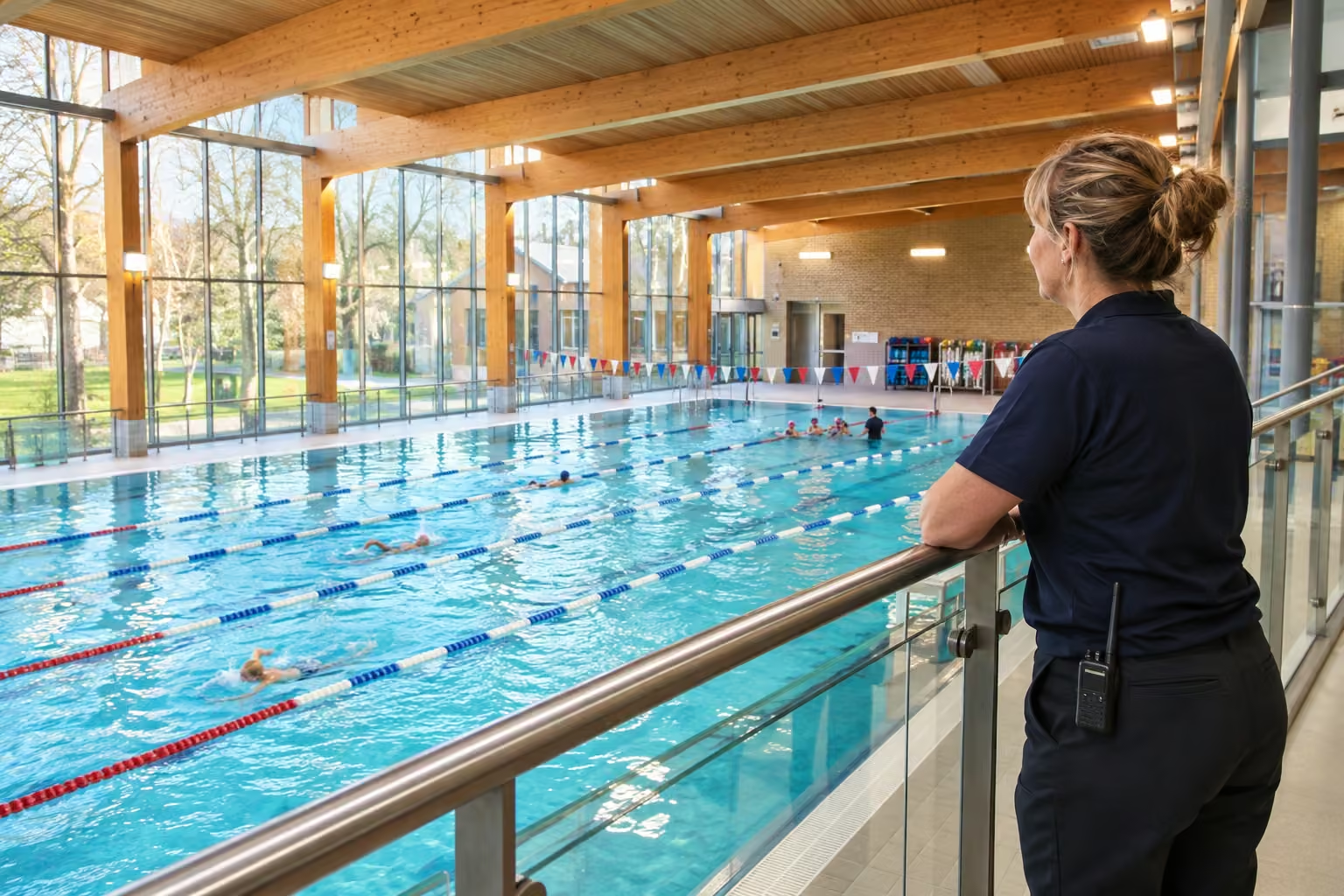
Saturday swimming is full.
Where’s the next place?
At reception, that’s one family’s question. Across several centres, it’s a way to see where an extra class could help.
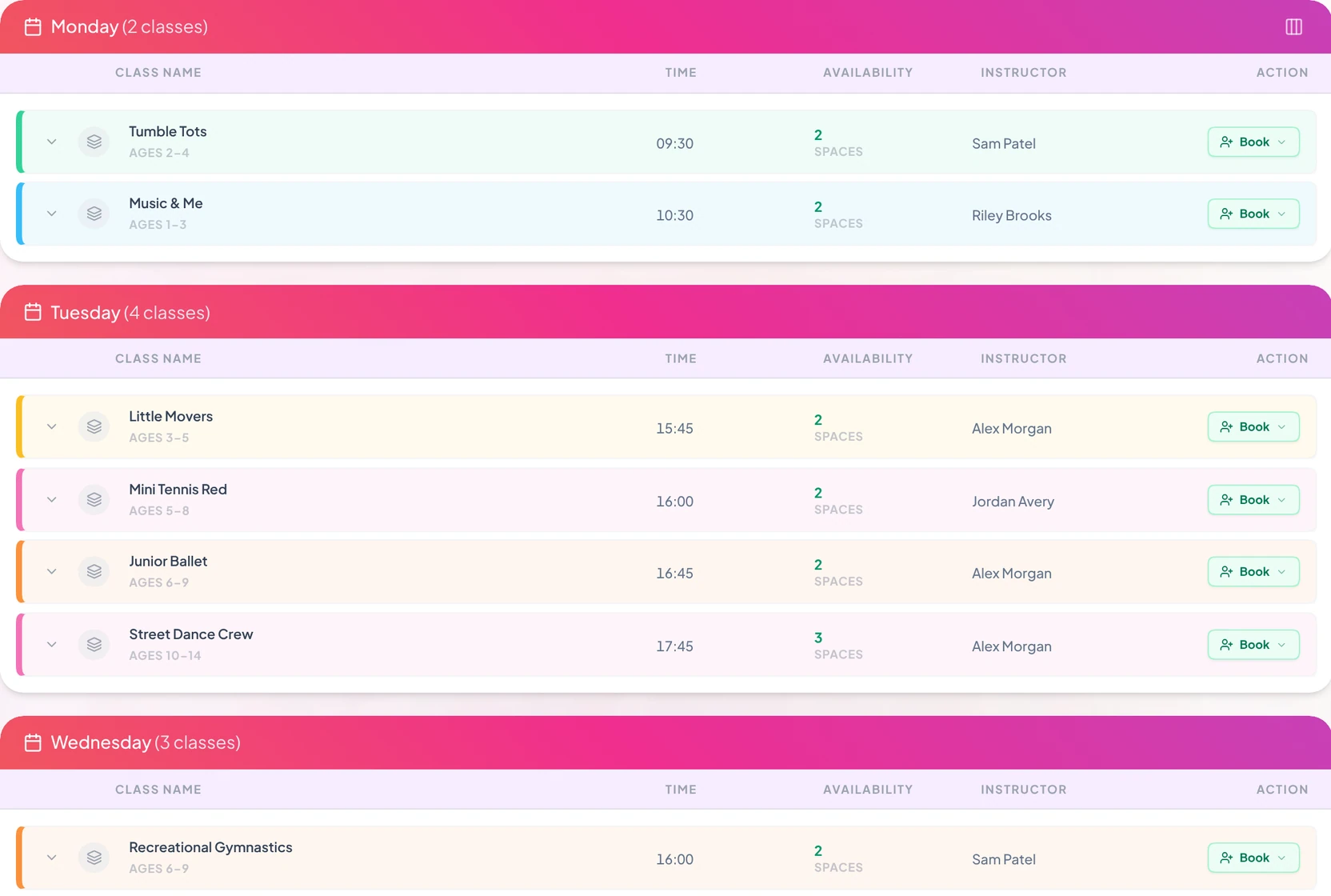
- At the front desk
- Check the next centre’s timetable for a suitable class with space. Find the family’s existing member record when you book their place.
- On poolside
- The instructor opens the class register in AMES Teach, records attendance and follows the member’s progress.
- Across the centres
- Review full classes, waiting lists and quieter sessions. Use demand at each site to plan the next timetable.
Beyond the pool,
onto the gym floor.
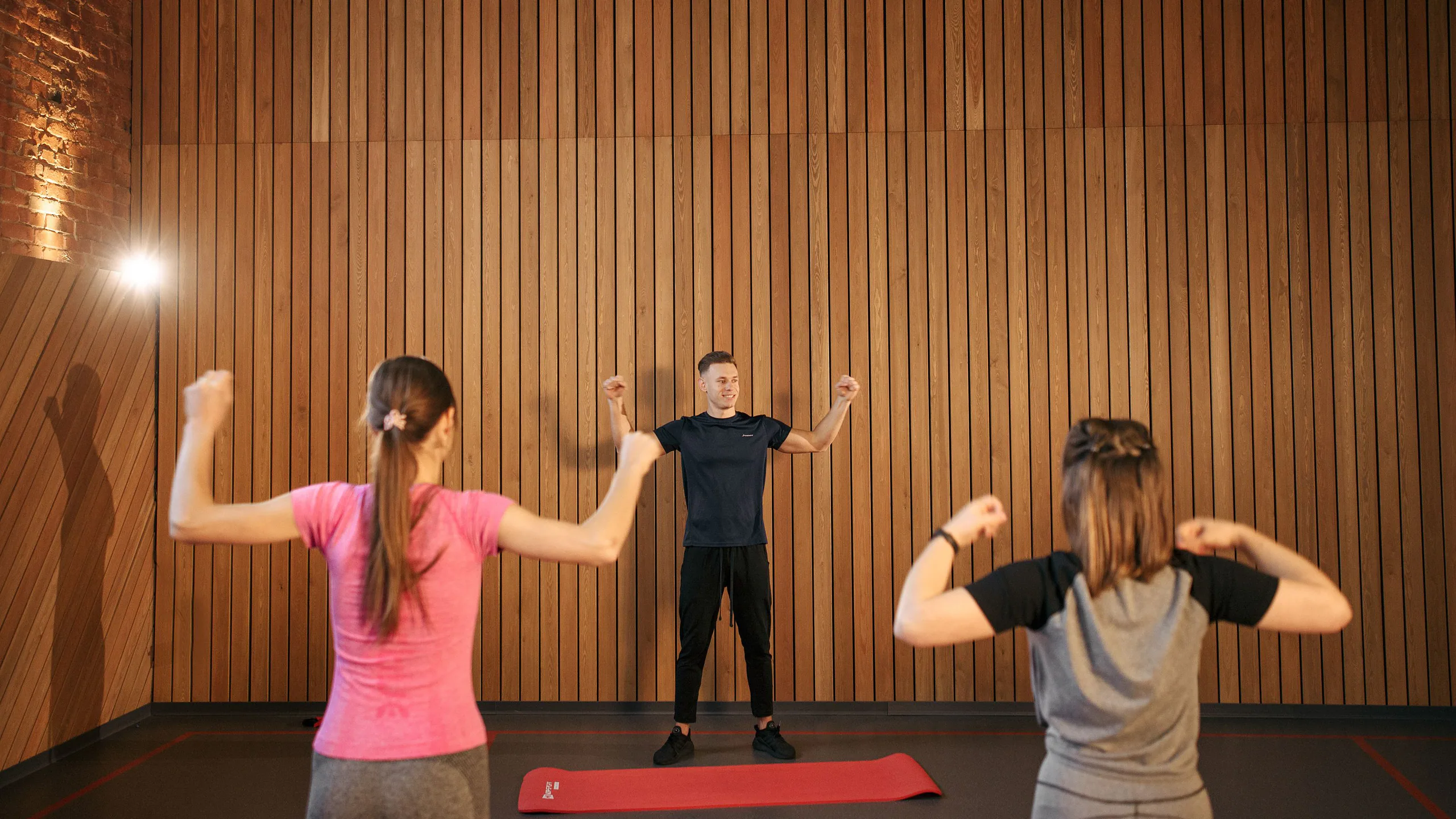
A member might book a weekly strength class at one centre and a drop-in studio session at another. Reception can look up their bookings together.
Give instructors access to the centres they cover. Each team can work from its own class timetable and registers.
Explore the platformBring your busiest timetable.
Explore a six-centre example with our team. Pick a booking your reception staff handle every week and follow it from the front desk to the class register.